
A quick note before we continue the series. It has been a minute since the last post.
I have been traveling and did not want to publish the next part until I had the time and focus to write it properly. This series is meant to be slow, intentional, and high quality, and I would rather pause than rush something you deserve more care than that.
With that said, let’s continue.
Before TypeScript can help you, you need to understand the types you will use every day. These are not advanced concepts. They are the foundation that everything else builds on.
This article breaks down everyday TypeScript types slowly and intentionally, so you understand what they represent, when to use them, and when to let TypeScript do the work for you.
If you are new to the series, start with Day 1 and Day 2 first. This post assumes you understand what TypeScript is and how it differs from JavaScript.
What TypeScript means by “type”
A type answers a simple question: what kind of value is this?
In JavaScript, you often do not think about this explicitly. In TypeScript, making that intent clear is the entire point.
Types do not exist at runtime. They exist to help you and your tools reason about code before it runs.
The most common primitive types
These are the types you will use constantly.
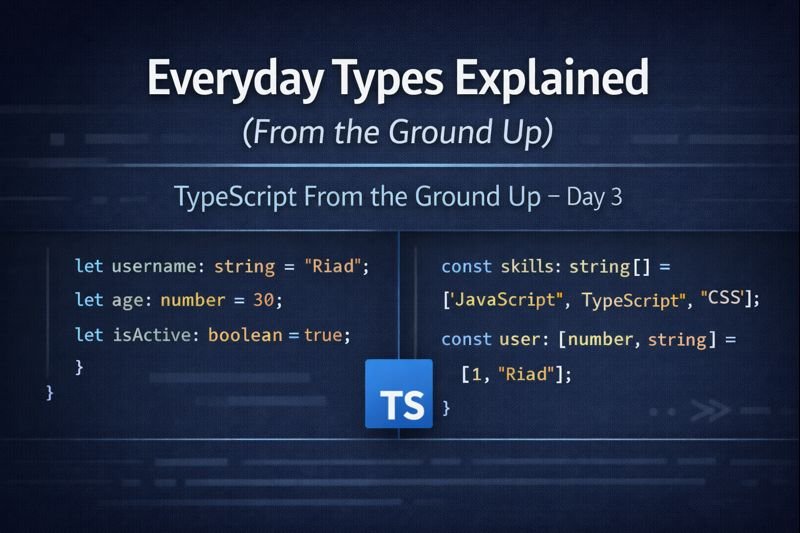
let username: string = "Riad";
let age: number = 30;
let isActive: boolean = true;
Each annotation communicates intent. Anyone reading this code immediately knows how these values are meant to be used.
If you try to assign a different type later, TypeScript will warn you before the code runs.
Arrays and what they actually represent
An array type describes what kind of values the array can contain.
const skills: string[] = ["JavaScript", "TypeScript", "CSS"];
This means every item in the array must be a string. Mixing types is not allowed unless you explicitly say so.
Arrays are one of the easiest places to introduce bugs in JavaScript. TypeScript makes those bugs visible early.
Tuples vs arrays
Sometimes the position of values matters. That is where tuples come in.
const user: [number, string] = [1, "Riad"];
This says the first value must be a number and the second must be a string, in that exact order.
Tuples are useful for fixed structures, but they should be used intentionally. Objects are often clearer.
When to let TypeScript infer types
You do not need to annotate everything.
let total = 199.99;
TypeScript already knows this is a number. Adding a type here adds noise, not clarity.
A good rule of thumb is to annotate boundaries. Let inference handle the rest.
The difference between null and undefined
This is a common source of confusion.
undefined usually means a value was never set. null usually means a value was intentionally cleared.
let value: string | null = null;
TypeScript forces you to be explicit about this distinction, which leads to safer code.
Common beginner mistakes with types
- Over-annotating obvious values
- Using
anyto silence errors - Mixing multiple concerns into one type
Types should clarify intent, not obscure it.
Day 3 takeaway
Everyday types are not about restriction. They are about communication.
When your types are clear, your code becomes easier to reason about, refactor, and trust.
Next, we will look at union and literal types, and why they exist in the first place.
Leave a Reply