
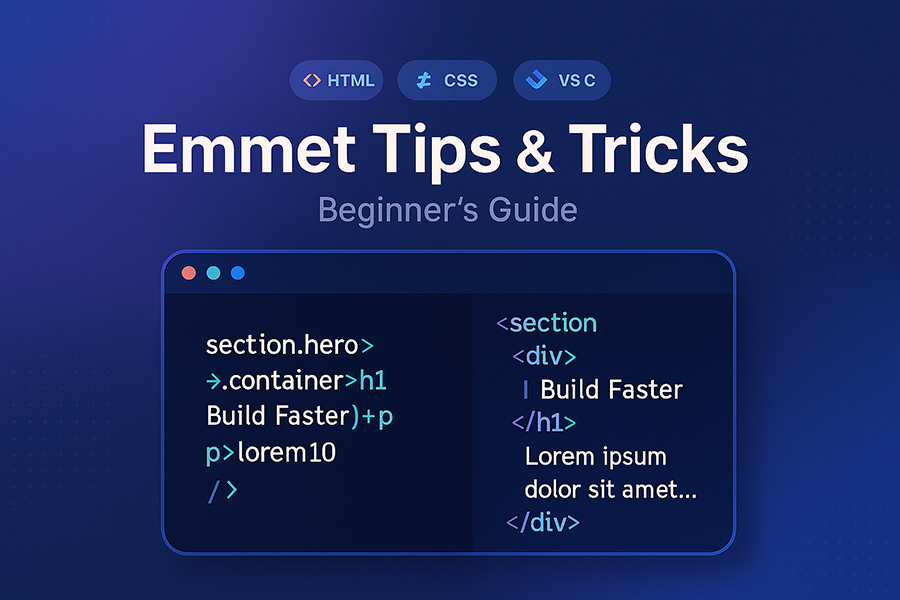
If you write HTML/CSS regularly, Emmet is the fastest upgrade you can give yourself. Type a tiny shortcut, press Tab, and Emmet expands it into clean markup or CSS. Below is everything you need to get productive in minutes—no fluff.
Quick setup (VS Code)
- Emmet is built into VS Code. In HTML/CSS files, type an abbreviation → Tab.
- If nothing happens: enable Emmet: Trigger Expansion On Tab in Settings.
- For React/JSX, map Emmet to JS:
{ "emmet.includeLanguages": { "javascript": "javascriptreact" } } - Wrap existing code: Command Palette → Emmet: Wrap with Abbreviation.
Why it matters: one keystroke turns short codes into full components. Less typing, fewer typos.
Core moves (the 80/20 you’ll use daily)
- Elements / id / class:
div#hero.banner→<div id="hero" class="banner"></div> - Children / siblings:
>and+→ul>li*3+a{More} - Climb up:
^→section>h2+p^p(go up a level, add anotherp) - Multiply:
*→li.item*5 - Text:
{}→a{Read more} - Attributes:
[]→a[href="/about" title="About"] - Numbering:
$/@→li.item$*3→.item1…3; start at 10:item$@10*3; descending:step$@-5*3 - Lorem:
lorem12→ 12 words of filler
Tip: Start with >, +, *, {}, $. Add [], (), ^ when it clicks.
HTML patterns you’ll ship this week
Nav
nav>ul.menu>li*5>a{Item $}
Hero with CTA
section.hero>.container>h1{Build Faster with Emmet}+p.lede>lorem15+div.actions>a.btn.btn-primary{Get Started}+a.btn{Docs}
Card grid (great for WP loops)
.section.cards>.container>ul.card-grid>li.card*6>article>img.card__img[src="https://picsum.photos/400/240?random=$" alt="Item $"]+h3.card__title{Card $}+p.card__excerpt>lorem12+a.card__link[href="#"]{Read more}
Accessible form
form[action="/subscribe" method="post"]>label[for="email"]{Email}+input#email[type="email" required aria-required="true" placeholder="you@example.com"]+button.btn[type="submit"]{Subscribe}
WordPress-flavored snippets (structure first, PHP later)
Post card scaffold
article.post>h2.entry-title>a[href="#"]{Post Title}+p.entry-meta>time[datetime="2025-08-14"]{Aug 14, 2025}+p.entry-excerpt>lorem20
Sidebar widget list
aside.widget>h3.widget-title{Recent Posts}+ul>li*5>a[href="#"]{Post $}
Swap the placeholders with the_title(), the_permalink(), etc. Emmet handles the skeleton in seconds.
CSS abbreviations that feel like cheating
/* Spacing */
m10            /* margin: 10px;            */
m10-20         /* margin: 10px 20px;       */
p16-24         /* padding: 16px 24px;      */

/* Sizing */
w100p          /* width: 100%;             */
h100vh         /* height: 100vh;           */
maxw1140       /* max-width: 1140px;       */

/* Flexbox */
df             /* display: flex;           */
fd:c           /* flex-direction: column;  */
ai:c           /* align-items: center;     */
jc:sb          /* justify-content: space-between; */
g16            /* gap: 16px;               */

/* Type & color */
fz:18          /* font-size: 18px;         */
c#333          /* color: #333;             */
bgc#000.5      /* background-color: rgba(0,0,0,.5); */

/* Borders */
bd1#ddd        /* border: 1px solid #ddd;  */
bdr:8          /* border-radius: 8px;      */
Why it matters: muscle memory for spacing/layout is where Emmet saves huge time.
React/JSX with Emmet
With emmet.includeLanguages set, you can expand right inside JSX:
ul.list>li.list__item*3>{Item $}
Self-closing tags are JSX-friendly:
img.hero[src="/hero.jpg" alt="Hero"]
→ <img src="/hero.jpg" alt="Hero" />
Power tricks (still beginner-friendly)
- Wrap with Abbreviation: turn plain lines into a list: select → Wrap with Abbreviation →
ul>li*3>a. - Balance Tag / Edit as HTML: quickly select/reshape blocks in the editor.
- Duplicate with numbering:
li.step$@10*3→ step10, step11, step12. - Group + climb:
(h2{Section}+p.lede>lorem12)+ul>li*3>a{Link $}then tweak with^.
Your first custom snippet (optional)
Add an Emmet extension file to create your own alias:
- Create
~/.emmet/snippets.json:
{
  "html": {
    "wpimg": "figure.figure>img[src=\"$1\" alt=\"$2\"]+figcaption{$3}"
  }
}
- Point VS Code to it:
{ "emmet.extensionsPath": ["~/.emmet"] }
Now wpimg + Tab → figure + image + caption.
Common gotchas (and quick fixes)
- Tab won’t expand? Enable Trigger Expansion on Tab, or use the Command Palette.
- Wrong language mode? Switch the status bar to HTML, CSS, or JavaScript React.
- Forgetting attributes: use
[]→a[href="/"]{Home}. - Overbuilding: keep abbreviations small; it’s okay to expand twice.
One-minute drill (practice this, you’re set)
nav>ul>li*5>a{Item $}
section.hero>.container>h1{Title}+p>lorem15+div.btns>a.btn{Primary}+a.btn.btn-ghost{Secondary}
ul.cards>li.card*3>img[src="https://picsum.photos/400/240?random=$" alt=""]+h3{Card $}+p>lorem10
form[action="/search"]>label[for="q"]{Search}+input#q[type="search"]+button[type="submit"]{Go}
table>thead>tr>th*4{Col $}^^tbody>tr*3>td*4
Wrap-up
Emmet turns a few symbols into full components. Learn the basics—>, +, *, {}, $, []—and you’ll feel the speed by the end of the day. Add (), ^, and lorem as you go. Your future self (and your wrists) will thank you.
Leave a Reply